


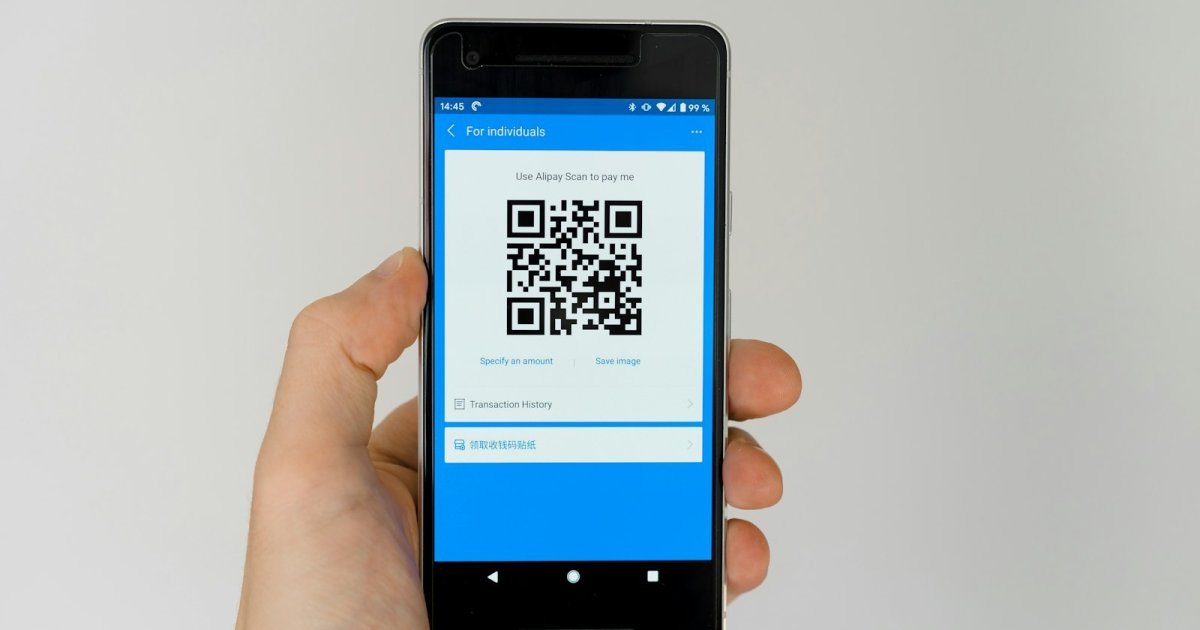
You can create a free QR code in under a minute using a browser-based QR code generator -- no app download and no design skills required. Type or paste the link you want people to land on, generate the code, download it as an image, and print or share it anywhere.
What a QR code actually does
A QR (Quick Response) code is a small square barcode that any modern phone camera can scan instantly. Once scanned, it opens whatever it's pointed at -- usually a URL, but it can also open a WiFi connection, a contact card, or a pre-filled message. Businesses use them on menus, packaging, flyers, business cards, and storefronts because they turn a physical object into a one-tap digital action.
Step-by-step: creating a QR code for free
- Decide what it should link to. A website, your link-in-bio page, a menu PDF, a WiFi network, or a specific product page all work.
- Open a QR code generator. Tools like gomy•bio's QR code generator let you paste your link and generate a code instantly in the browser, with no signup required for a basic code.
- Customize it (optional). Add your brand color, a logo in the center, or a custom frame so it doesn't look like a generic black-and-white square.
- Download the image. Save it as a PNG or SVG so it stays sharp at any size, from a business card to a storefront window.
- Test it before you print. Scan it yourself with your phone's camera app to confirm it opens the right destination.
Where QR codes actually work well
- Restaurant menus -- print one QR code on the table instead of laminating a new menu every time a price changes.
- Product packaging -- link straight to care instructions, a warranty registration, or a review page.
- Business cards and flyers -- send people directly to your link-in-bio page or booking calendar instead of making them type a URL.
- Events -- put a QR code on a poster or badge that links to registration, a schedule, or a WiFi network.
Static vs. dynamic QR codes
A static QR code has the destination baked directly into the code -- if you need to change where it points, you need a new code entirely. A dynamic QR code points to a short link that you control, so you can update the destination at any time without reprinting anything, and you get click tracking on top of it. If you're printing something that's expensive or slow to replace -- packaging, signage, a physical sign -- a dynamic QR code is almost always worth the extra step.
Frequently asked questions
Do QR codes expire?
A static QR code never expires on its own -- it will keep pointing to the same destination indefinitely. A dynamic QR code depends on the service hosting the underlying short link staying active.
Can I track how many people scan my QR code?
Yes, but only with a dynamic QR code, since it routes through a short link that can log each scan. A static code has no way to report back.
Do I need an app to scan a QR code?
No. Every modern iPhone and Android phone can scan a QR code directly from the built-in camera app -- no separate scanner app needed.